How to Set Up Design Collaboration in 5 Steps
Boost design collaboration in 5 steps to enhance productivity by 25%. Discover essential tools and strategies for seamless teamwork and creativity.
Last updated:
December 7, 2025

Boost design collaboration in 5 steps to enhance productivity by 25%. Discover essential tools and strategies for seamless teamwork and creativity.
Last updated:
December 7, 2025
Are you finding it challenging to streamline design projects with your team? Effective design collaboration can boost productivity by up to 25%, yet many teams struggle with miscommunication and disorganized workflows. In this article, you’ll discover a step-by-step guide to set up a seamless design collaboration system that enhances creativity and efficiency, ensuring your team is always on the same page.
Design collaboration has become increasingly vital in today’s fast-paced work environment, especially with the rise of remote and hybrid setups. Effective collaboration tools can significantly enhance design workflows, allowing teams to share ideas, gather feedback, and streamline processes. According to recent findings, 89% of design teams now consider these tools essential, with a staggering 156% increase in adoption from 2020 to 2023 driven by the shift in work dynamics.
Implementing structured collaboration workflows can lead to impressive results. Design teams that utilize defined processes complete projects 34% faster and experience 47% fewer revision cycles compared to those without such frameworks. These efficiencies not only save time but also reduce the frustration often associated with chaotic project management. By fostering an environment where feedback is readily available and easily integrated, teams can enhance creativity and innovation.
To maximize the benefits of design collaboration, it's crucial to choose the right tools that fit your team's needs. Features such as real-time editing, comment functionalities, and visual organization can transform how teams interact with their projects. As the landscape of design continues to evolve, embracing collaborative practices will be key to staying competitive and ensuring that creative visions are realized effectively.
Setting up effective design collaboration requires careful preparation to ensure a smooth workflow. Before diving into the tools and processes, it's essential to take stock of your team's current capabilities and requirements.
Begin with a team inventory to document all members, their roles, and how they currently use design tools. This helps you understand existing strengths and gaps. Conduct a workflow audit to map out design processes from ideation to handoff, identifying any bottlenecks that might hinder progress. Securing stakeholder buy-in is crucial; ensure leadership approves your plans and allocates the necessary budget, as design teams typically spend between $150 and $300 per month per designer on collaboration tools.
Additionally, verify technical requirements like browser compatibility and internet bandwidth, aiming for a minimum of 10 Mbps for real-time collaboration. Finally, conduct a security assessment to review data privacy needs, particularly for client projects.
Identifying essential tools and software is crucial for effective design collaboration. Start by assessing your team's specific needs, focusing on features like real-time editing, version control, and user-friendly interfaces. Tools should facilitate seamless communication and feedback loops, optimizing project timelines. Design teams typically invest between $150 and $300 per month per designer on collaboration tools, highlighting the importance of selecting the right software for streamlined workflows (Source Name).
Clearly defining team roles and responsibilities is essential for effective design collaboration. Start by identifying each team member's strengths and expertise, ensuring everyone knows their specific contributions. For instance, designate roles such as project manager, designer, and developer, allowing for clear accountability. Regular check-ins and updates help maintain alignment on tasks and expectations. This structure not only streamlines workflows but also fosters a collaborative environment where feedback can be shared openly, enhancing overall project success.
Defining collaboration goals and workflows is crucial for effective design teamwork. Start by identifying the specific objectives your team wants to achieve. Are you aiming to improve communication, streamline feedback, or enhance creativity? Clear goals help align team members and ensure that everyone understands their roles within the project.
Once your goals are established, outline the workflow that suits your team’s dynamics. Consider employing tools that facilitate seamless sharing of ideas and resources. This structure can include regular check-ins, designated feedback sessions, and a clear process for incorporating revisions. Research shows that teams with defined processes complete projects 34% faster and experience 47% fewer revision cycles than those without such frameworks (Source Name).
By establishing a clear workflow, you not only boost productivity but also foster an environment where creativity can thrive. Each team member should feel empowered to contribute, knowing their input is valued. Ultimately, a well-defined collaboration strategy serves as the foundation for successful design projects, enabling teams to navigate challenges efficiently and achieve their goals effectively.
Choosing the right design collaboration tools is crucial for enhancing team productivity and creativity. As remote and hybrid work environments become the norm, effective tools can streamline communication and improve project outcomes. The right software not only facilitates idea sharing but also integrates feedback loops, allowing teams to adapt quickly and efficiently.
With a variety of tools available, it’s essential to consider features that align with your team's specific needs. Look for platforms that offer intuitive interfaces, robust organization capabilities, and seamless integration with other workflows. Such tools can significantly reduce the time spent on revisions and improve overall project efficiency. In fact, teams that adopt structured collaboration tools complete projects 34% faster and experience 47% fewer revision cycles compared to those without defined processes (Source). Investing in the right tools can transform chaotic workflows into organized, creative processes, ultimately leading to better design outcomes.
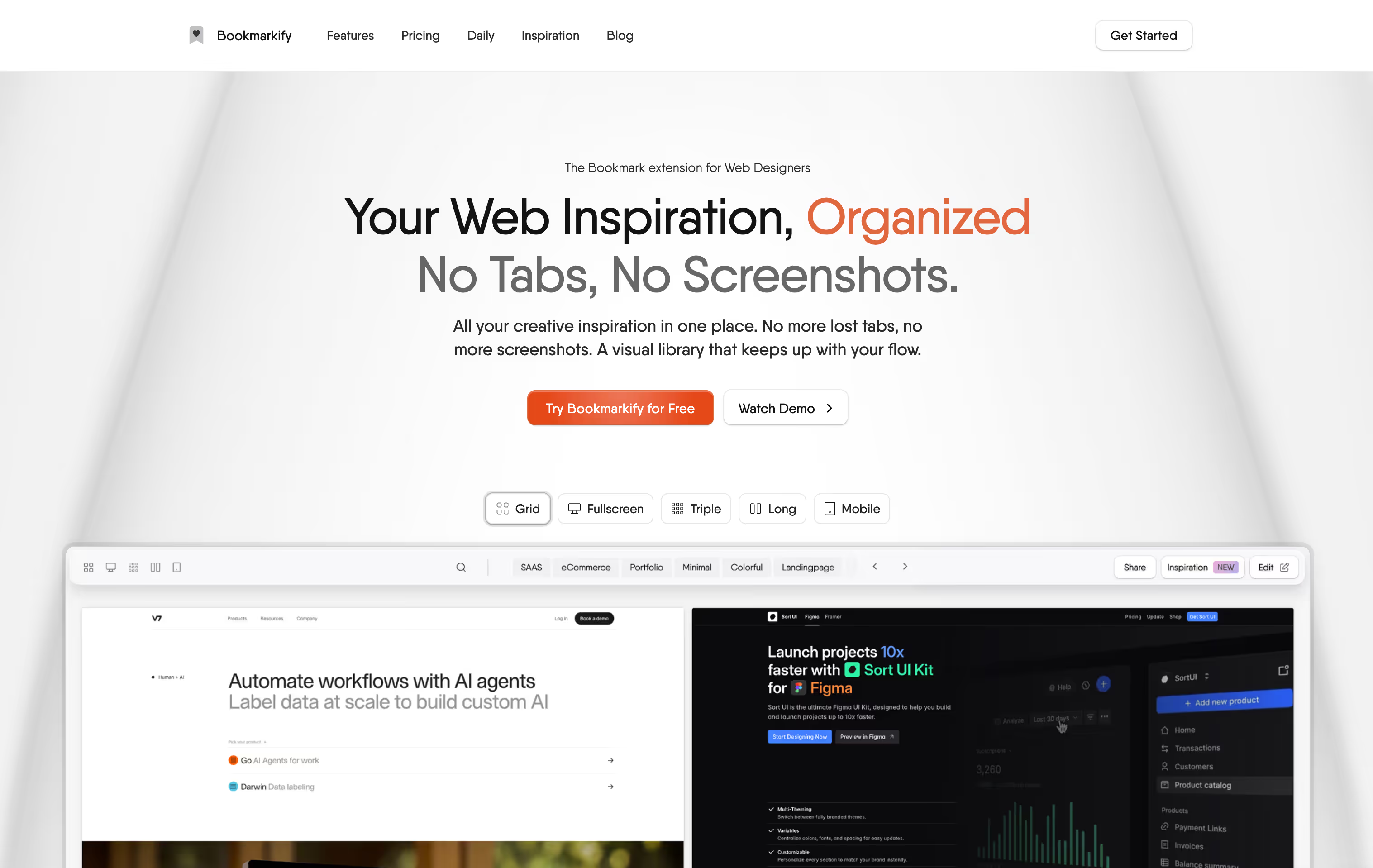
Setting up design collaboration effectively involves a systematic approach. Begin by selecting a platform that supports real-time editing and feedback, ensuring all team members can contribute seamlessly. Next, establish clear roles and responsibilities to avoid confusion during the design process. Schedule regular check-ins to discuss progress and address any challenges. Encourage open communication through integrated chat functions or comment features. Finally, utilize project management tools to track milestones and deadlines, keeping the team aligned and focused.
A well-structured shared workspace and file organization system are crucial for effective design collaboration. Start by choosing a platform that allows all team members to access and contribute easily. Popular tools like Figma or Notion can serve as central hubs where files are stored and updated in real-time. Establish clear folders for different projects, ensuring that each file is named consistently to facilitate easy navigation.
Next, implement a tagging system to categorize design assets, making it simpler for team members to find relevant materials quickly. This approach can reduce the time spent searching for files and enhance overall productivity. According to research, teams that utilize defined processes complete projects 34% faster than those without such frameworks, highlighting the importance of an organized workspace in streamlining collaboration efforts (Source Name). With a solid foundation in place, your team will be better equipped to manage feedback, iterate on designs, and ultimately produce high-quality work.
Establishing effective communication channels is crucial for successful design collaboration. Teams should utilize tools like Slack or Microsoft Teams to facilitate real-time discussions, ensuring that everyone stays informed and engaged. Regular check-ins, whether through video calls or messaging, help maintain momentum and foster a collaborative spirit.
In addition to communication tools, implementing a structured feedback process is essential. This can involve scheduled reviews and clear guidelines on how feedback should be provided and addressed. Research indicates that defined processes enable design teams to complete projects 34% faster and reduce revision cycles by 47% compared to those without structured workflows (Source Name). This structured approach not only enhances productivity but also cultivates a more creative environment.
Creating effective team guidelines is crucial for launching a successful design workflow. Begin by establishing clear communication protocols, outlining expectations for feedback and collaboration. This includes setting regular check-ins, defining roles, and utilizing collaborative tools that fit your team's needs.
It's also essential to document processes and decisions to maintain consistency. By doing so, teams can reduce confusion and ensure everyone is aligned. Research indicates that structured workflows lead to a 34% faster project completion rate and 47% fewer revisions, highlighting the importance of these guidelines in enhancing productivity (Source Name).
Launching your workflow with these guidelines can transform chaotic projects into streamlined processes where creativity thrives.
Successful design collaboration hinges on clear communication and well-defined processes. Start by establishing a shared vision among team members, ensuring everyone understands project goals and expectations. Utilize collaborative tools that facilitate real-time feedback and idea sharing, which can significantly enhance creativity.
Additionally, implement regular check-ins to monitor progress and address challenges promptly. Research indicates that design teams with structured workflows complete projects 34% faster and experience 47% fewer revision cycles. This structured approach not only streamlines tasks but also fosters a supportive environment where team members feel comfortable sharing their insights and suggestions (Source Name). By embracing these practices, teams can enhance their collaborative efforts and achieve more effective design outcomes.
Design collaboration often faces common challenges that can hinder productivity. Issues like miscommunication, unclear roles, and inadequate tools can disrupt workflows and lead to frustration. To mitigate these problems, establish clear communication channels and define team roles early in the project. Regular check-ins can help keep everyone aligned and address concerns promptly.
Moreover, leveraging the right tools is crucial for effective collaboration. Teams that use structured processes complete projects 34% faster and experience 47% fewer revision cycles. By adopting these practices, design teams can enhance creativity and improve project outcomes, ultimately fostering a more efficient collaborative environment (Source Name).
Maintaining an effective design collaboration system is crucial for sustaining productivity and creativity within teams. Regularly revisiting and refining your processes can lead to enhanced efficiency and a more cohesive workflow. Start by encouraging open communication among team members, fostering an environment where feedback is not just welcomed but actively sought. This approach can significantly reduce the number of revision cycles, allowing projects to progress smoothly.
Additionally, implementing structured workflows has proven to expedite project completion. Teams that utilize defined processes complete projects 34% faster than those without such frameworks (Source). Regularly assess the tools and methods your team uses to ensure they align with your collaboration goals. By prioritizing adaptability and continuous improvement, you can create a dynamic design environment that not only meets current challenges but also anticipates future needs, ultimately leading to more innovative outcomes.
Design collaboration tools enhance communication, streamline feedback, and improve project efficiency. Teams using these tools often complete projects 34% faster and experience 47% fewer revision cycles compared to those without structured workflows.
Assess your team’s specific needs by identifying features such as real-time editing, user-friendly interfaces, and integration capabilities. Consider conducting a team survey to gather input on preferences and requirements.
Common challenges include miscommunication, unclear roles, and inadequate tools. Establishing clear communication channels and defined team roles can help mitigate these issues and enhance productivity.
Regular check-ins should be scheduled based on project needs, typically weekly or bi-weekly. These meetings can help maintain momentum, address challenges, and ensure everyone remains aligned on tasks and expectations.
Team guidelines should cover communication protocols, feedback expectations, role definitions, and documentation processes. Clear guidelines help reduce confusion and ensure a smooth workflow among team members.

Ivan S
Lead Marketing Designer @Scribe, Founder @bookmarkify

Effortlessly Save time and stay Inspired: Streamline your workflow with Bookmarkify. No more juggling 10 tabs and screenshots.