From Creative Chaos to Client Clarity
Picture this: dozens of open tabs, a desktop cluttered with screenshots, and that one perfect link lost in a sea of bookmarks. We have all been there. This digital mess is more than just an inconvenience. It is a professional hurdle that can undermine a convincing client presentation. In 2025, a winning pitch is a clear, strategic story, not just a collection of nice images.
Effective creative inspiration management is the foundation of a successful project. When your ideas are scattered, your narrative becomes fragmented, making it difficult to guide a client toward a confident decision. A structured approach, however, transforms that chaos into a powerful asset.
This journey from gathering inspiration to structuring it into a narrative is what secures client buy-in. Let’s explore a method to transform your creative process and build presentations that resonate, persuade, and win projects.
Building a Future-Ready Inspiration Library

The first step to organize web design inspiration is to build a high-quality library. Instead of aimlessly saving everything that catches your eye, focus on curating examples that reflect modern design standards. Look for professionalism, user-centric layouts, and trust-building elements like strong typography. A centralized, tagged library is the foundation of an efficient web design workflow.
Using tags like #ecommerce, #minimalist, or #animation makes your assets instantly searchable, turning your collection into a responsive tool rather than a passive archive. As you build your library, keep an eye out for key 2025 trends that demonstrate a forward-thinking approach:
- Dynamic data visualizations that make information engaging.
- Subtle micro-animations that improve the user experience.
- AI-generated assets that show innovative thinking.
According to a 2025 analysis from OneNine, the most effective modern web designs balance clean layouts with purposeful white space to establish credibility. To keep your library current, tap into curated galleries. A daily feed of handpicked sites, like the one on our own inspiration page, ensures your references are always fresh and relevant.
Structuring Your Ideas with Visual Moodboards
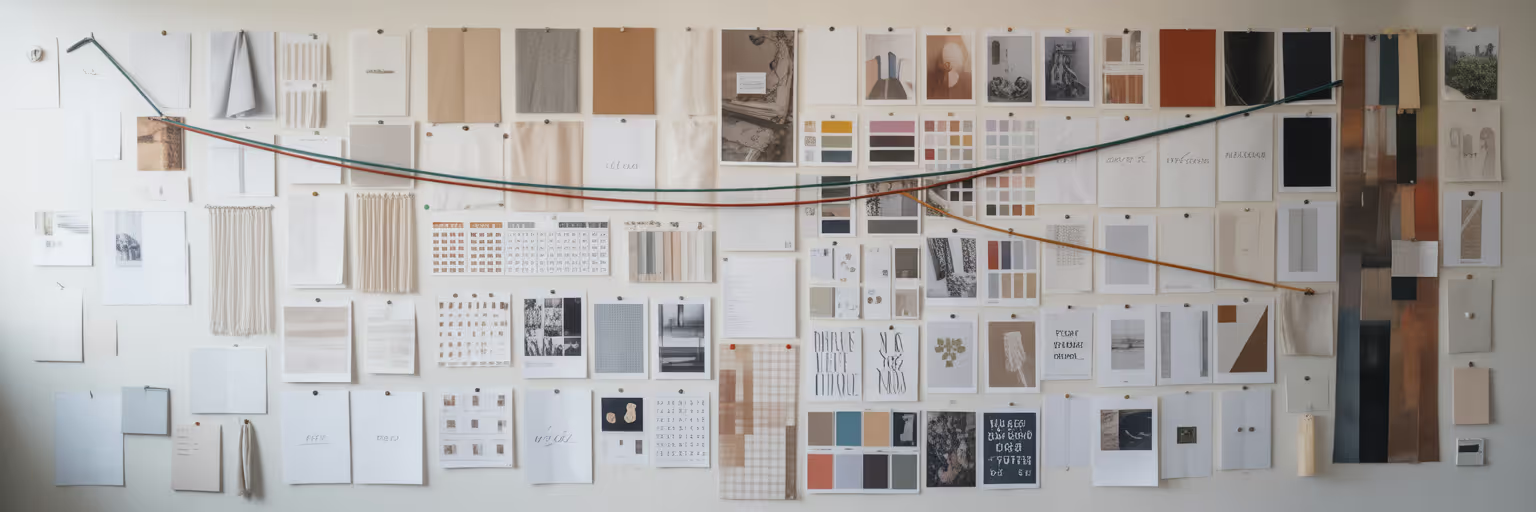
Once you have collected your raw materials, the next step is synthesis. This is where a web design moodboard for clients becomes essential. It acts as the bridge between scattered ideas and a cohesive concept, defining the project's style, tone, and emotional feel before a single line of code is written.
Digital moodboarding tools are perfect for this, especially those with collaborative features that ensure client alignment early on. A visual bookmarking tool with a dedicated moodboard view, like the one we built at Bookmarkify, lets you drag and drop saved items to turn a collection into a presentation-ready asset. For a deeper look at the process, a step-by-step guide from a reputable source like Milanote can offer additional structure.
To create a moodboard that truly communicates your vision, include these key components:
| Component |
Purpose |
Example to Include |
| Typography |
Establish hierarchy and voice |
Samples of H1, H2, and body text fonts |
| Color Palette |
Define the emotional tone and brand identity |
5-7 primary, secondary, and accent colors |
| UI Elements |
Set the standard for interactivity |
Examples of buttons, forms, and navigation bars |
| Imagery Style |
Guide photography and illustration choices |
Photos or graphics that reflect the desired mood |
| Motion/Interaction |
Showcase the feel of the user experience |
A GIF or short video of a key animation |
Note: This table outlines the essential visual elements needed to create a comprehensive moodboard that communicates a full design vision to a client, ensuring no aspect is overlooked.
Weaving Inspiration into a Compelling Story

With your moodboard complete, it is time to shift from the 'what' to the 'how'. The most persuasive presentations tell a story that connects your design choices directly to the client's business goals. This is how to present design concepts in a way that builds confidence and excitement.
Instead of just showing pretty pictures, guide the client through a narrative. A well-organized library makes this possible, allowing you to pull the perfect example to support your point at a moment's notice. Sharing a curated collection of links ahead of the meeting can also make the presentation more productive. Structure your story with these steps:
- Start with the client's goals and user personas. Frame every design decision as a solution to a specific problem they face.
- Introduce inspiration as 'evidence'. For example, say, "We chose this layout, inspired by Example A, to build trust with your audience by creating a clean, professional feel."
- Show, don't just tell. Incorporate interactive elements or short video clips of animations to make the vision tangible and exciting.
This storytelling approach transforms your presentation from a simple review into a collaborative strategy session. You can find more insights on building a structured creative process on our blog.
Presenting Your Vision with Modern Flair
The final piece of the puzzle is the presentation deck itself. To stand out in 2025, move beyond static slides. Here are some client design presentation tips that add a layer of modern professionalism. Consider using mobile-first or vertical formats, especially if the end product is primarily for mobile users. Use visual elements like gradients and bold typography to enhance your message without creating distractions.
A great practical tip is to demonstrate responsive design directly in your presentation. Showing how a layout adapts across different screens builds immense client confidence. You can easily do this when you use our built-in device previews to showcase your vision on desktop, tablet, and mobile. This simple step proves your thoroughness and attention to detail.
To make your presentations even more dynamic, you can draw inspiration from other creative fields. For instance, as highlighted by Chab Events, innovative event management techniques can inspire more engaging brand experiences, a principle that applies just as well to client meetings.
Your Streamlined Creative Workflow Awaits

From building a curated library and structuring ideas with moodboards to weaving a compelling story and presenting with modern flair, each step is connected. An organized process is the key to delivering confident and successful client presentations. This structured web design workflow eliminates the stress of creative chaos and replaces it with clarity and focus.
A dedicated tool acts as the central hub that unites this entire process. Features like a tag-based system, multiple view modes, and shareable collections are designed specifically to support your creative journey from initial idea to final pitch.
Ready to move past the clutter of open tabs? Start building your organized inspiration library today by trying Bookmarkify for free and transform how you present your creative vision.